The most expensive invitation error may be a perfectly spelled wrong address. Ordinary proofreading catches misplaced letters; production checking asks whether the printed object tells guests the truth. Those are different jobs, and a beautiful PDF can pass the first while failing the second.
Set up a release process with two approvals: factual approval and production approval. Factual approval covers names, dates, locations and instructions. Production approval covers the physical and technical output, including readable type, correct page order and the printer’s file requirements. Do not treat a casual ‘looks lovely’ message as permission to print.
🔎 Make one authoritative fact sheet
Gather details from the people responsible for them. Confirm the venue address with the venue, the ceremony time with the agreed schedule and the response deadline with the person managing catering numbers. Check names with the people themselves where appropriate. A social-media display name is not necessarily the name someone wants on an invitation.
| Item | Evidence to compare | Approval owner |
|---|---|---|
| Event date and weekday | Booking record and calendar | Couple |
| Arrival and ceremony times | Current event schedule | Planner or couple |
| Venue entrance and address | Venue confirmation | Venue contact |
| Reply link and deadline | Live response system | Guest-list manager |
| Trim and bleed settings | Printer’s specification | Designer or printer |
An illustrative error that spellcheck misses
Imagine a fictional suite for 8 May 2027. The main invitation shows the correct date, but a details card was copied from an earlier draft and says 9 May. The PDF has no spelling errors. A proofreader reading each card separately might miss the conflict; a checker comparing every date against the same fact sheet should catch it.
Now assume the response link contains a capital letter that matters to that particular service. Typing the intended address into a browser does not test the printed link. Scan the actual QR code and enter the exact printed URL on a device that is not already signed into the couple’s account. Confirm that a guest can submit a test response and receive a useful confirmation.
These are illustrative scenarios, not claims about the behaviour of every URL or platform. The principle is to test the delivered instruction, including its access permissions, rather than the version already open on your own computer.
Read in separate passes
- Check facts without discussing colour or layout.
- Read names and addresses character by character, including accents and apartment details.
- Read the invitation aloud for missing words and awkward instructions.
- Compare repeated information across every card and the website.
- Test links, QR codes, telephone details and reply routes.
- Print at actual size, assemble the suite and check front, back and orientation.
- Approve a uniquely named final file in writing.
For the production pass, ask the printer which marks and bleed settings are required. Adobe’s InDesign guidance explains that printer’s marks are commercial-production aids and says to confirm the marks expected by the provider. Adding every available mark is not a substitute for following the printer’s instructions.
Keep corrections from becoming new errors
Use a numbered correction list with exact replacements. ‘Make the venue clearer’ invites interpretation; ‘Replace West Entrance with Garden Entrance on the details card’ is actionable. After changes, recheck the complete suite. A designer can fix one line and accidentally move another onto the reverse.
If a date or location is still provisional, delay approval rather than disguising uncertainty with vague wording. For genuinely changeable information, use a clearly labelled update channel while retaining essential directions on paper. This is especially important for guests who may not use a website regularly.
The final takeaway is a modest one: a small release checklist is more useful than many people looking at the same attractive mock-up. Give each check an owner, test the physical output and make the print authorisation unmistakable.
Sources and further reading
Photograph credit
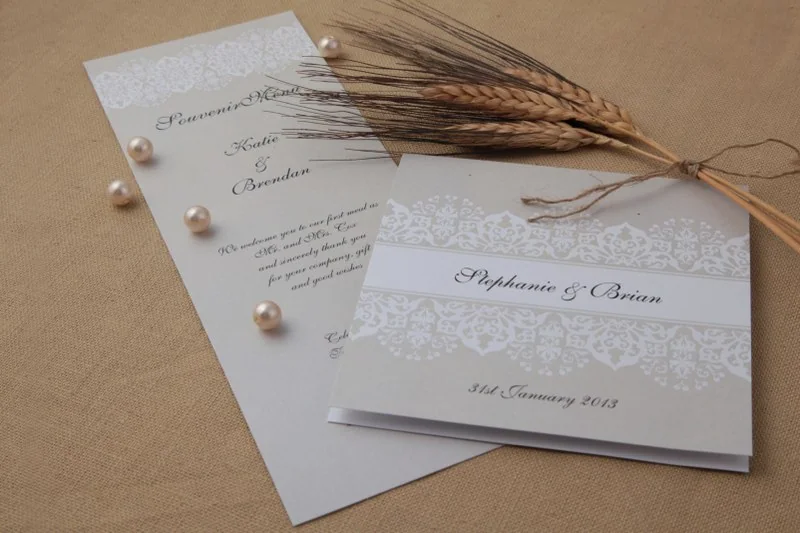
Taupe wedding stationery with lace details, pearls and dried stems. Photo: Belinda, DreamDay Invitations – Taupe Wedding Invitations.jpg, CC BY 2.5. Resized and converted to WebP; the image remains available under its original licence. This is an illustrative photograph, not a Vowlinora case study or a photograph of the worked example.
